
Free browser compressor
Video too big to send? Shrink it right here.
Drop a video in below and compress it in your browser — no upload, no account, no watermark. For bigger files, batch jobs and MP4 output, VideoSlim for Android is on Google Play. For audio files, use the audio compressor for Android.
Compress video
Reduce video size
Android video compressor

Free browser demo
Make this video small enough to send.
Choose one video, set the size you need, and compress it on this device. Nothing is uploaded.

 Drop a video here
or tap to choose one
MP4, MOV, WebM and MKV when your browser supports the codec
Drop a video here
or tap to choose one
MP4, MOV, WebM and MKV when your browser supports the codec
TrimOptional
Target sizeThe result aims to stay near this size
ResolutionSmaller is easier to compress
Original—
Length—
Estimated—
Saving—
Your video stays in this browser. Keep the tab open while it works.
See what the Android app can do
The browser handles one focused job. The app is built for the complete workflow.
-
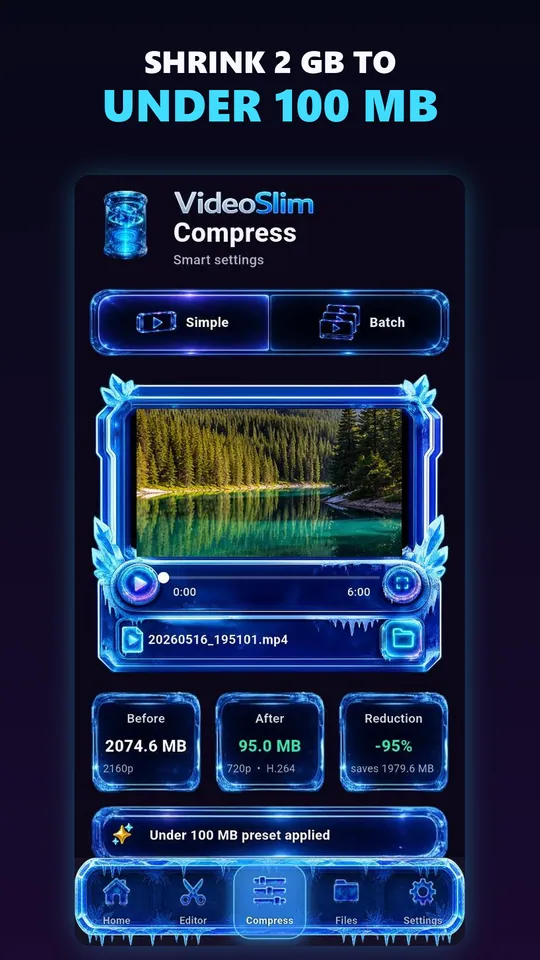
Choose exactly how you want to compress -
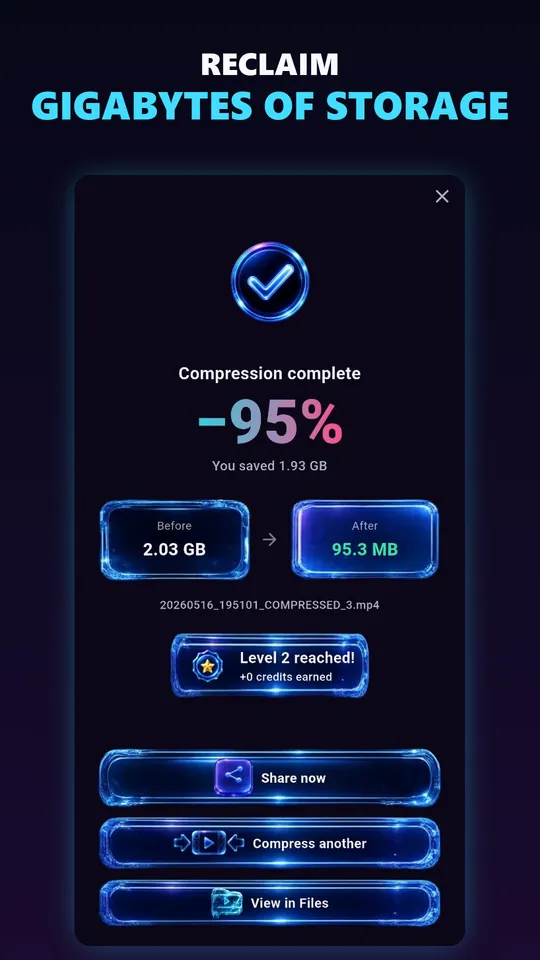
See the real space you recovered -
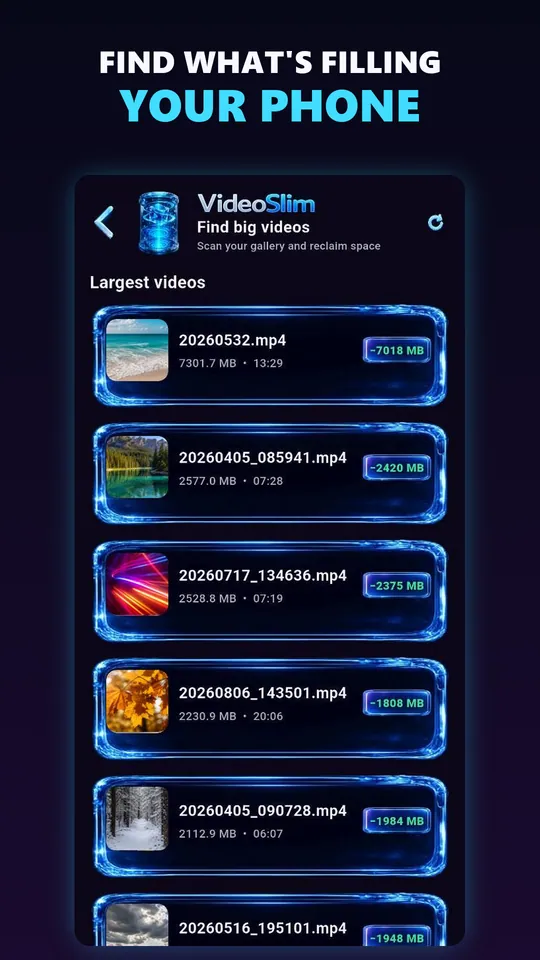
Find the videos taking the most storage -
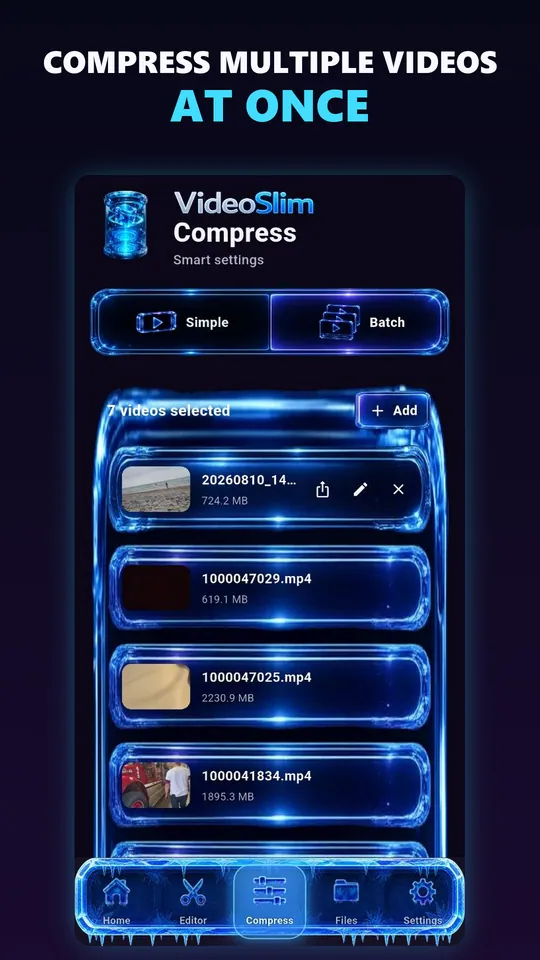
Compress several videos in one Batch -
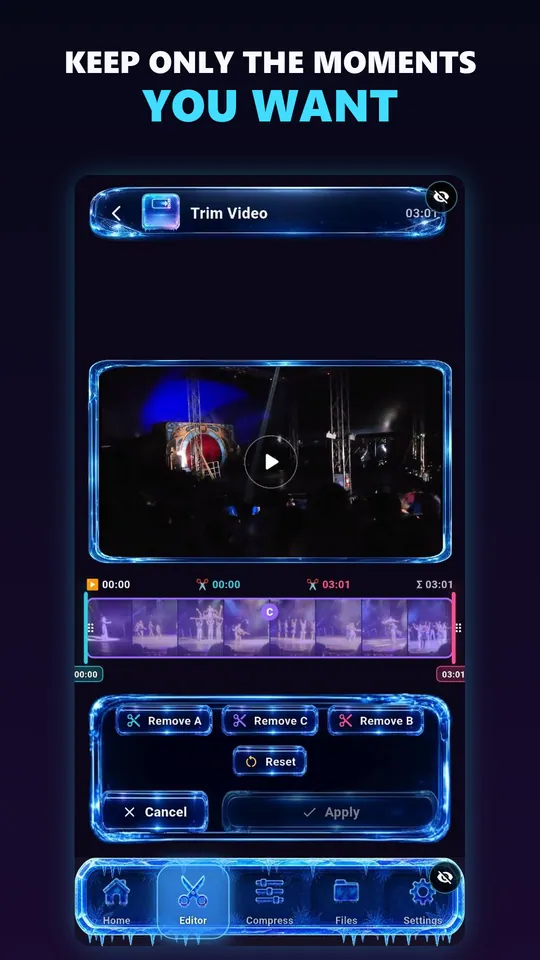
Cut away the part you do not need -
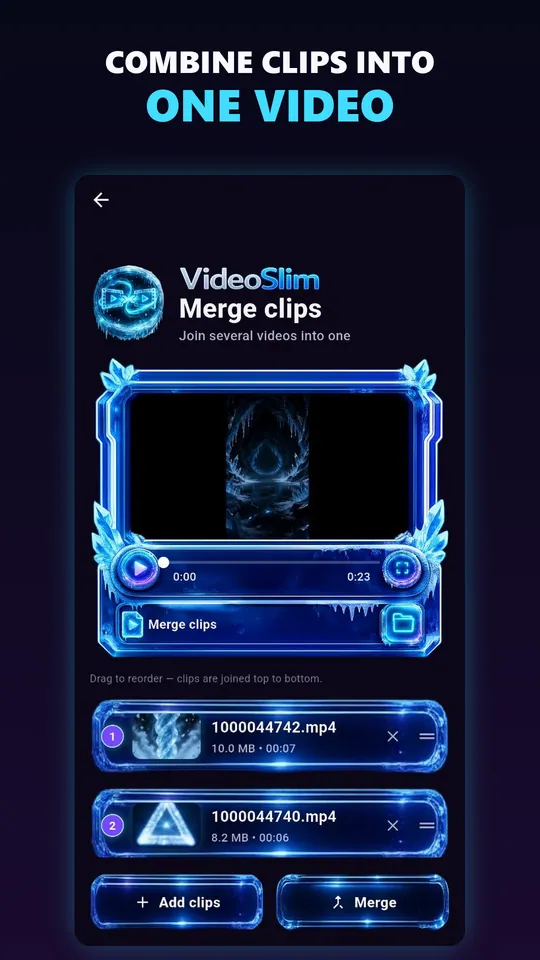
Join clips without a complicated editor
What is VideoSlim?
A focused video compression app for Android.
VideoSlim is a practical video compression app for Android, available on Google Play. It is for people who need smaller video files without turning a simple task into a complicated editing workflow: pick the size you need, check the result, and save it.
Why videos become too large
Modern clips collect size quickly.
Video file size grows with resolution, duration, frame rate, bitrate, audio tracks, and repeated exports. A short clip can become difficult to send when it is recorded in high resolution or saved with settings meant for quality instead of sharing.
Compress videos for messaging apps
Make clips easier to send before limits get in the way.
Messaging apps often have upload limits, slow transfers, or quality adjustments that happen after a file leaves your phone. VideoSlim is being shaped to help compress video first, so a clip is lighter before you attach it to a conversation, including workflows like compress video for WhatsApp.
Family clips
Prepare smaller videos before sharing everyday moments.
Work updates
Reduce video size before sending quick progress recordings.
Class projects
Compress MP4 files when a submission or chat has file limits.
Travel media
Keep clips shareable even when the network connection is weak.
Main features
Practical tools for Android video compression.
VideoSlim is built around a clear mobile workflow for smaller videos that remain useful after export, rather than a general-purpose editor you have to learn first.
Video compression presets
Presets and an exact target size for common size and quality goals.
MP4-focused workflow
Designed around common clips people record, keep, and share.
Target smaller output
Help reduce video size before sending, storing, or uploading.
Android-first design
Keep the main compression choices clear on mobile devices.
Share-ready exports
Create lighter files for messaging apps and social workflows.
Storage-friendly results
Make large phone videos easier to keep and manage.
Sharing workflows
Compress videos before messaging or posting.
Different apps create different sharing pressure. These guides focus on practical ways to reduce video size without relying on exact upload limits. You can also compare these video workflows with the AudioSlim audio compressor for Android.
WhatsApp video
Prepare smaller videos before sending them in WhatsApp chats.
Messenger video
Create lighter clips for Messenger conversations.
Discord video
Reduce gameplay, screen recording, or phone clip size.
FAQ
Video compressor questions.
Straight answers about VideoSlim, the browser compressor on this page, and video compression in general.
Is VideoSlim released?
Yes. VideoSlim is available on Google Play for Android. The compressor on this page is a free browser version you can use without installing anything.
What is a video compressor?
A video compressor reduces the size of a video file, usually by changing settings such as resolution, bitrate, or export quality.
Does VideoSlim compress MP4 files?
Yes. The Android app handles common Android video workflows, including MP4 files that need to be smaller before sharing. The browser compressor on this page outputs WebM instead.
Can VideoSlim reduce video size for messaging apps?
Yes. Set the size you need — for example the limit your chat app accepts — and VideoSlim works out the settings to fit it.
Is VideoSlim an Android video compressor?
Yes. VideoSlim is an Android-first video compression app from Kebek Interactive, available on Google Play.
Can I compress audio right now?
Yes. AudioSlim is available now for Android audio compression, including audio and MP3 file workflows.
Get the Android app
Bigger files, batch jobs, MP4 out.
The browser compressor above is deliberately the small version. On Android, VideoSlim handles large files, compresses several videos in one run, finds the big videos already filling your phone, and saves MP4 — all on the device.

Compress videos for social media
Prepare mobile video before posting or uploading.
Large videos can take longer to upload and may fail when storage, battery, or connection quality is limited. VideoSlim focuses on share-ready exports that balance file size with a useful viewing result.
Short clips
Reduce the size of casual videos before upload.
Draft posts
Create smaller review copies before publishing the final version.
Creator storage
Keep more edited clips available on an Android device.
MP4 workflows
Focus on common video files people already use and share.